Interactive 3D tool
Warp Planning Calculator
Plan the whole warp before you wind a single end
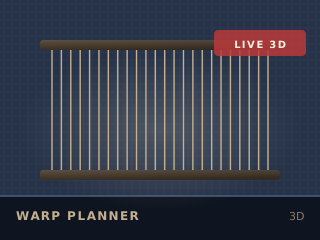
Running the 2D version. Every figure in the output panel is still calculated.
Educational simulation
Give the width, the sett and the weave, and the planner builds the warp in 3D, works out the total ends, the reed and the ends per dent, and draws the threading and sleying plan. Results are a model, not a guarantee: your yarn, loom and room will differ.
How to use it
Set the cloth
Enter the finished width, the sett you want and the weave structure.
Choose the reed
Pick a reed from the list; the planner reports the ends per dent and warns if the reed is too coarse or too fine.
Check the draft
The threading and sleying diagrams are drawn from the same numbers, so you can see the plan before you warp.
Export the plan
Export the warp plan as a PNG to take to the loom.
What it models
The warp is drawn end by end at the sett you choose, so an over-dense warp is visible before you wind it. Ends per dent, the reed number and the total warp length are all derived from the same figures the tool displays.
Without WebGL
Without WebGL the threading and sleying diagrams are still drawn in 2D and every figure is still calculated.
Keep going