Interactive
3D Studio
Four weaving simulators that run in the browser. Orbit the models, change the parameters, watch the cloth respond, and export the numbers you end up with.
Educational simulation
These tools model published behaviour so you can see what a change does before you commit a warp. They are not a substitute for your loom manual, and no result is guaranteed. Real cloth depends on your yarn, your loom and your technique.
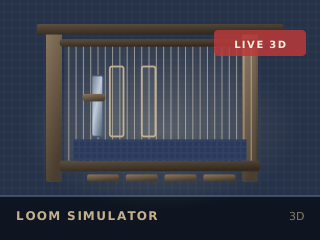
Loom Simulator
Thread a warp, treadle the sheds and watch the cloth grow
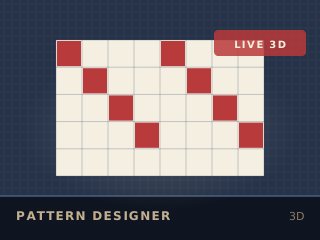
Weave Pattern Designer
Draw a draft and see the cloth before you warp
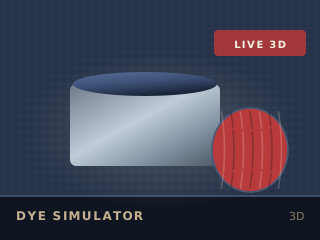
Dye Colour Simulator
Build a dye recipe and see the colour it produces
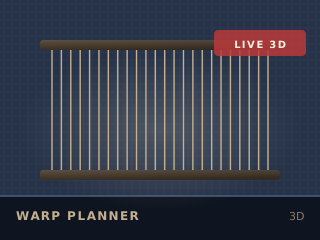
Warp Planning Calculator
Plan the whole warp before you wind a single end
Your device
The 3D tools need WebGL. This is what your browser reports right now:
Checking…
On a small screen the tools open in a static reference view by default, with a button to load the full 3D version. That keeps a 670 KB library off a phone connection unless you ask for it.
How these behave
- Every tool has a 2D fallback with the same calculations, so nothing is lost without WebGL.
- Rendering pauses when the tab is hidden or the model scrolls out of view.
- Quality steps down automatically if the frame rate stays below 30 fps.
- Reduced-motion is respected: no auto-rotation, no shuttle flight, no flowing dye.
- All geometry is generated in code. No model files, no third-party assets, no CDN.